Why build AI features in Laravel
If your app runs on Laravel, the AI can live in the same codebase. It uses the same models, permissions, queues and tests as everything else, and your team can read and change it.
The Laravel AI SDK is Laravel's official package for this. Its documentation describes "a unified, expressive API for interacting with AI providers such as OpenAI, Anthropic, Gemini, and more." It covers agents with tools, structured output, streaming, embeddings and testing, so moving to another provider or model is mostly configuration.
What we build with the Laravel AI SDK
Our recent agents run on the Laravel AI SDK. Each is labeled for what it is.
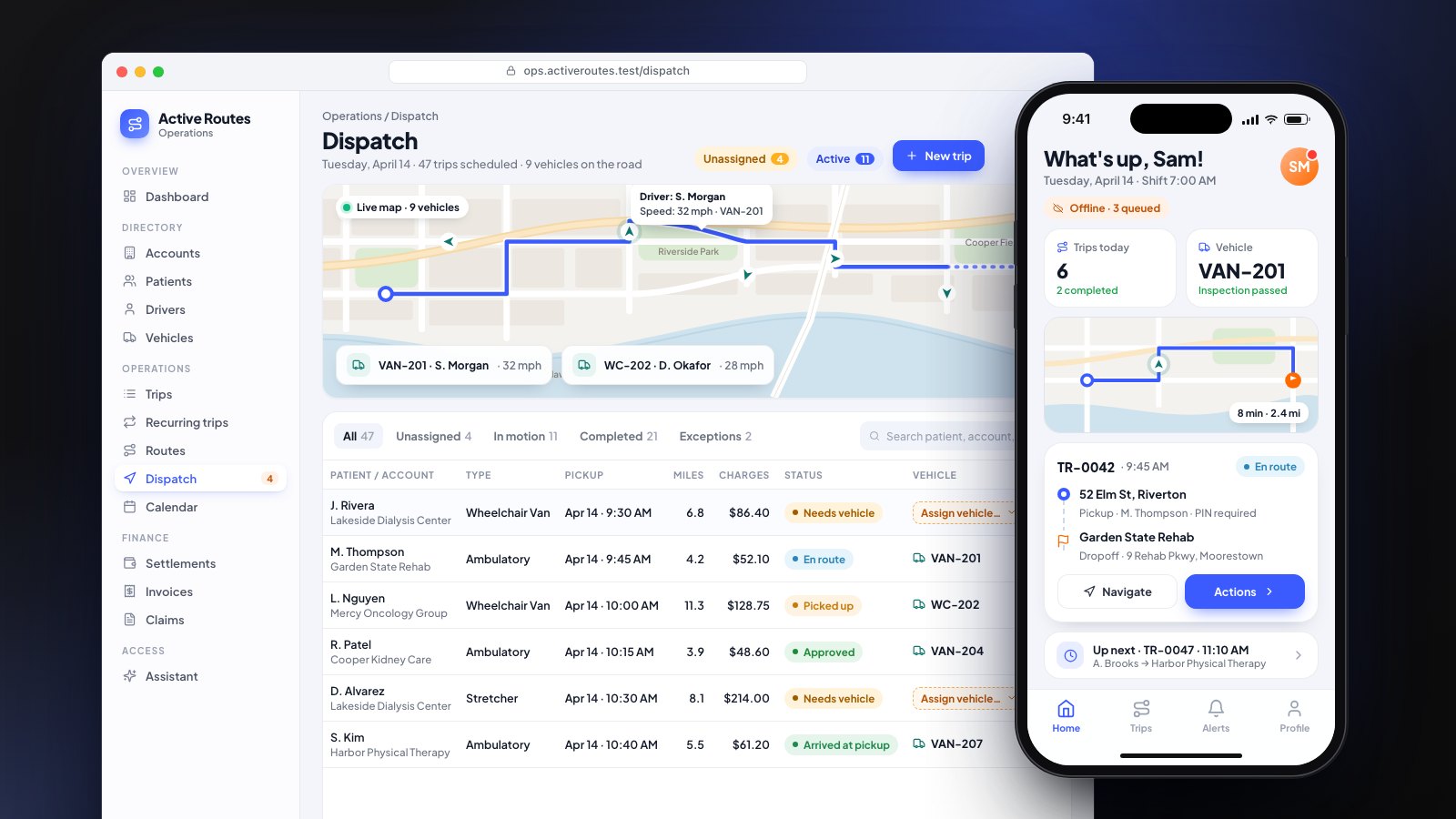
- Dispatch assistant (client work). In a NEMT dispatch platform, an assistant answers staff questions through ten read-only tools over live trip data.
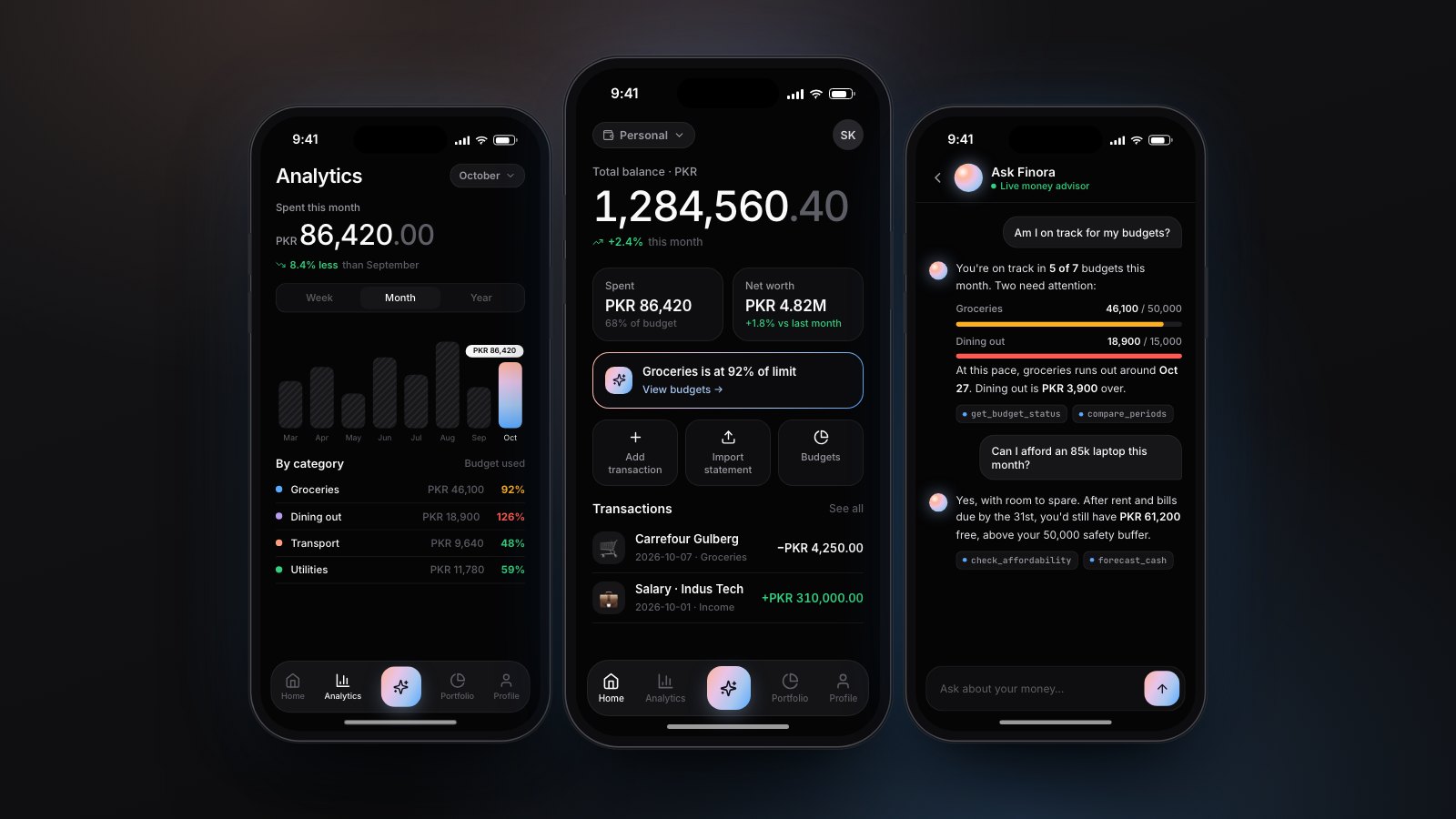
- Finance agents (our own product). In Finora, two agents answer through 16 tools and cite the tool behind each figure. Replies stream in real time, usage is metered per plan, and an evaluation suite checks 20 advisor questions against answers verified in SQL.
- Safety assistant (our own product). In SiteGuard, a site-scoped assistant uses ten read-only tools, and every AI call is logged.
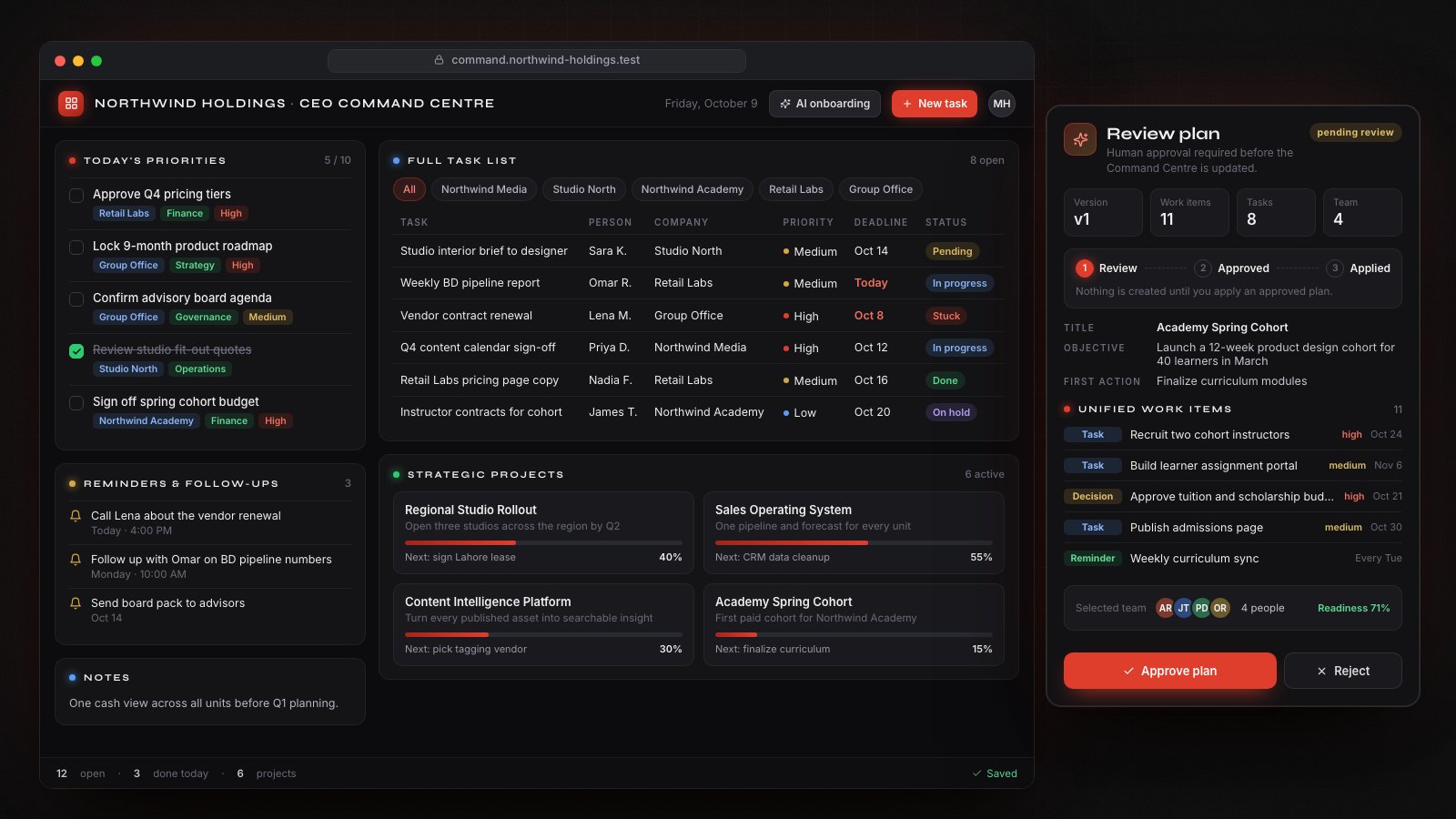
- Project drafting (client work). In an executive command center, an assistant drafts a project plan from a written brief. Nothing is saved until a person approves it, and AI exchanges are logged and purged on a schedule.
How we build Laravel AI features
Logging, cost tracking, tests and human review are included in every build price.
- Narrow tools. Each tool does one job and runs with the signed-in person's permissions.
- Queues for slow work. Long AI tasks run in the background, so pages stay fast.
- Approval for changes. Anything that creates, edits or sends goes to a person first.
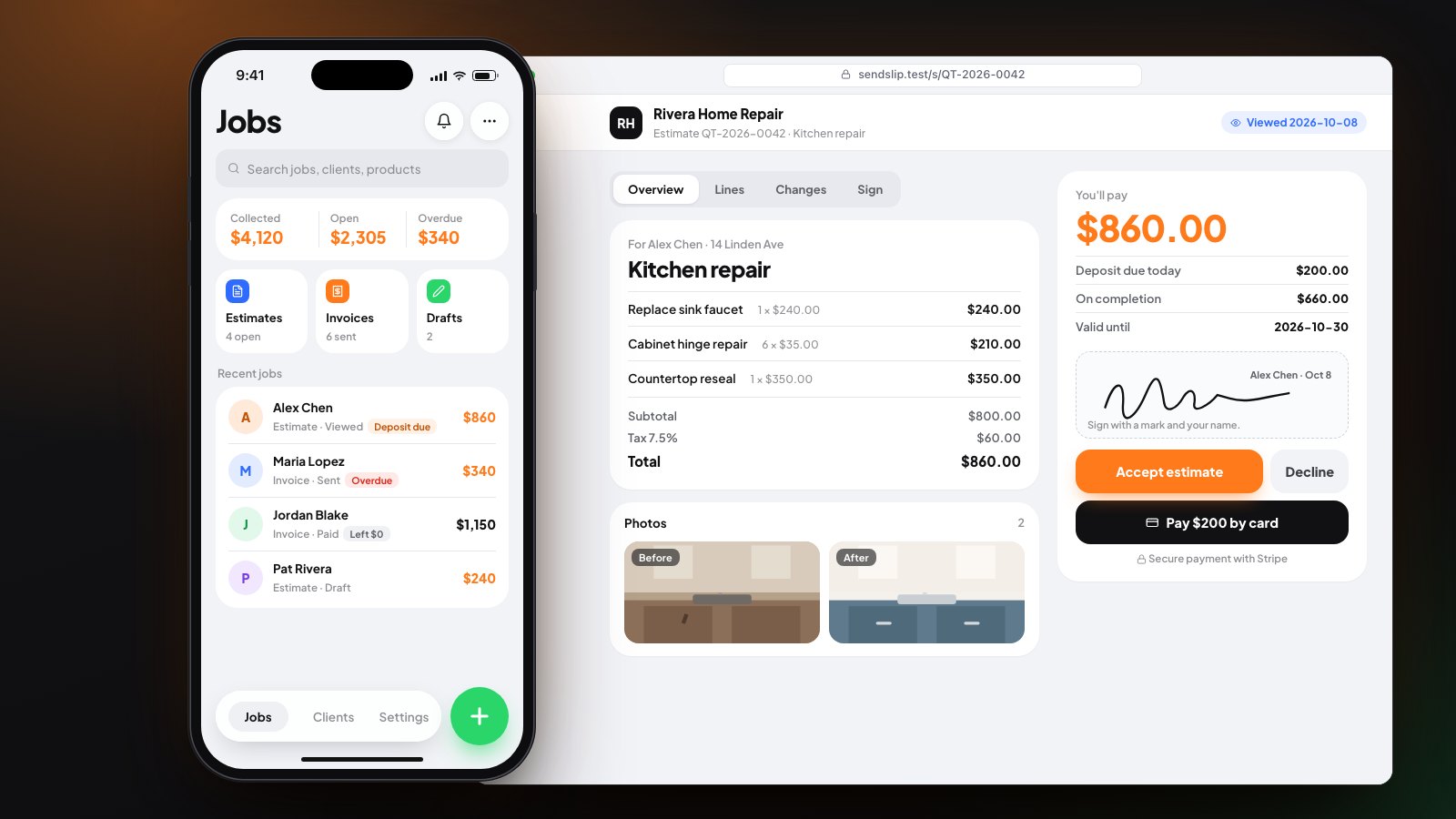
- Tests for the AI too. Evaluation tests check the agent against questions with known answers, next to the app's normal automated tests. SendSlip's Laravel server, for example, has about 300 automated tests running in CI.
- Usage limits and cost tracking. Each request is metered, with limits per user or plan.
- Logging. Every AI action is recorded: what was asked, which tools ran and what came back.
Hire a dedicated Laravel developer
A dedicated developer works on your roadmap every week on a monthly contract. Our developers cover Laravel, React, Flutter and AI integration, and the code lives in your repository from the first commit.
| Contract length | Developer rate |
|---|---|
| 3 months | $36 an hour |
| 6 months | $34 an hour |
| 12 months | $32 an hour |
| 24 months | $31 an hour |
Every contract includes:
- Direct contact with the developer doing the work
- A short written update every working day
- Overlap with your working hours, agreed up front
Fixed build or dedicated developer?
Pick the option that matches the work.
- Choose a fixed build when you have one defined workflow or feature. You approve a fixed price before work starts and pay as milestones are demoed and accepted.
- Choose a dedicated developer when you have a steady roadmap of changes, in AI or in the rest of the app. Longer contracts have the lower hourly rate.
Not sure which fits? The $950 AI Workflow Audit maps one workflow and gives you a fixed quote in two weeks.
Pricing for Laravel AI development
Our prices are published. Model usage and hosting are billed at cost, never marked up.
| Option | Price | What it covers |
|---|---|---|
| Feature Build | from $2,500 | One AI feature added to an app you already have |
| First AI Workflow | from $4,500 | One agent with tools, tests, logging and handover |
| Extended Build | from $6,500 | More integrations, plus an admin console or a Flutter app |
| Dedicated developer | $31 to $36 an hour | Ongoing work on a 3 to 24 month contract |
See pricing for every plan, or read how we approach AI agent development.