The risks behind the alerts
Construction and extraction jobs accounted for about one in five US workplace deaths in 2024. That year, "construction and extraction workers experienced 1,032 fatalities," out of 5,070 fatal work injuries recorded nationwide, according to the Bureau of Labor Statistics. Fatal falls, slips and trips among these workers fell "to 370 in 2024 from 400 in 2023."
Head injuries are part of that picture. The National Institute for Occupational Safety and Health (NIOSH) says "the construction industry has the greatest number of both fatal and nonfatal WR TBI among U.S. workplaces," where WR TBI means work-related traumatic brain injury. From 2003 to 2010, "2,210 construction workers died because of a TBI," according to the same NIOSH bulletin.
These are the hazards camera models watch for: missing hard hats, work at height and vehicles close to people. Software doesn't prevent an injury by itself. Its job is to make sure a detection reaches someone who can act.
Why PPE detection alone isn't enough
A detection model can flag a missing helmet, but a flag isn't a safety process. Site safety teams can't watch every camera, and a raw stream of detections is just more noise.
Detections need to land somewhere useful:
- Matched to the right zone on the site
- Turned into an alert only when a rule says so
- Followed through to an investigation and a report
Managers also want to ask plain questions, such as "what happened on the north tower this week?", without building a report by hand.
How SiteGuard works
SiteGuard is the control plane between the vision models and the people who act on alerts. It's our own internal product, built on Laravel 13, React 19, OpenAI through Laravel AI, and queues. Full details are in the SiteGuard case study.
Each detection follows the same path:
- The camera sends a detection. Each camera has its own ingest token, which can be revoked on its own.
- Duplicates are rejected. The detection API drops repeats so one event doesn't become ten alerts.
- The snapshot is stored, so every alert has an image behind it.
- The zone is checked. SiteGuard works out which of the zones set for that camera the person or vehicle is in.
- Rules decide. A queued rules check opens a new alert or updates an existing one.
- People act. Staff work an alert inbox, acknowledge or dismiss alerts, link them to investigations and export reports.
The AI assistant for safety managers
The SiteGuard assistant answers questions about one site from the site's own records. It uses ten read-only tools over alerts, trends, cameras, rules and investigations.
- Site-scoped. It only sees the site it's asked about.
- Read-only. It can report and summarize, but it can't dismiss alerts or change rules.
- Logged. Every AI call is recorded.
A manager can ask what happened on a part of the site this week and get an answer built from the alerts and investigations on record.
What SiteGuard doesn't do
We would rather you know the limits up front.
- It doesn't include the detection models. They run in separate vision workers outside SiteGuard and send detections in through the API. Choosing and running those models is separate work.
- It's our own product. We show it as an internal build, not a client deployment, and we don't publish accuracy figures for it.
Safety software for your sites
There are three common starting points, depending on what you already have.
- You have cameras and a detection model, but alerts go nowhere useful. A control room like SiteGuard, with zones, rules, an alert inbox and investigations.
- You already have a safety system with an API. An AI assistant added to it, so managers can ask questions in plain language.
- You track inspections and certificates on paper or spreadsheets. Safety and compliance software that turns them into alerts with audit trails. Our NEMT platform tracks compliance documents with expiry alerts in the same way.
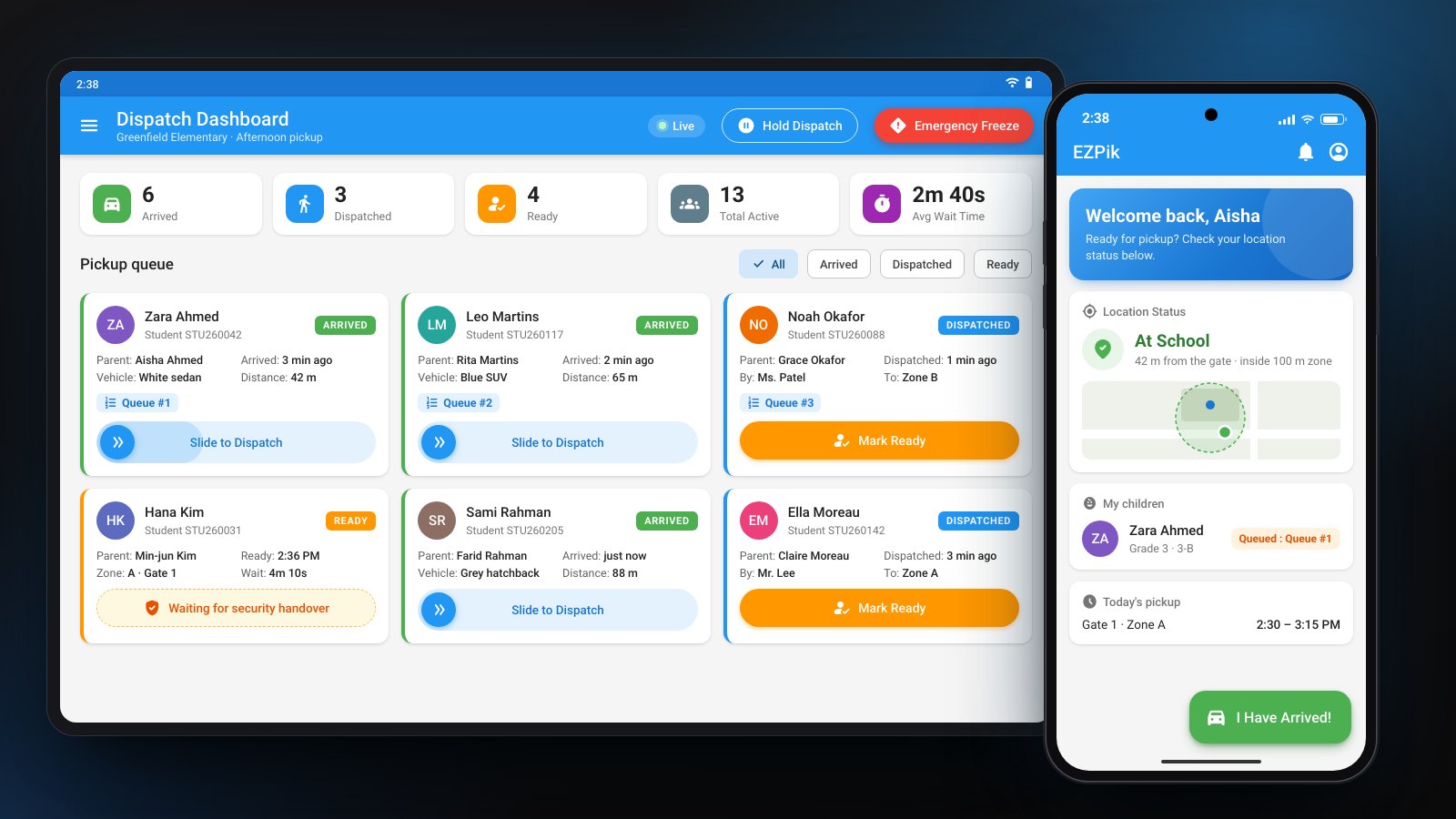
The same alert-and-follow-through pattern appears in our school pickup safety system, where supervisors can hold or freeze pickup in an emergency and security staff log incidents.
Data and access
Safety data often includes images of workers, so access is limited by design.
- Each camera has its own revocable token
- The assistant reads through read-only tools scoped to one site
- A model receives only what a task needs, and we never use your data to train models
- Every AI call is logged
Read more on security and data.
Cost of construction safety software
Our prices are published, and you approve a fixed price before work starts.
- AI Workflow Audit, $950: two weeks to map your alert workflow, check your cameras, data and systems, and get a fixed quote. Credited if you build within 60 days. See the audit.
- Feature Build, from $2,500: an AI assistant or similar feature added to a safety system you already have.
- First AI Workflow, from $4,500: one agent or workflow connected to your systems, with tools, tests, logging and handover.
- Extended Build, from $6,500: a wider build with an admin console or a Flutter mobile app for site staff, and more integrations.
See pricing for every plan, or read how we approach AI agent development.
Sources
- U.S. Bureau of Labor Statistics, National Census of Fatal Occupational Injuries in 2024, released February 19, 2026
- NIOSH, Construction Helmets and Work-related Traumatic Brain Injury, November 2022